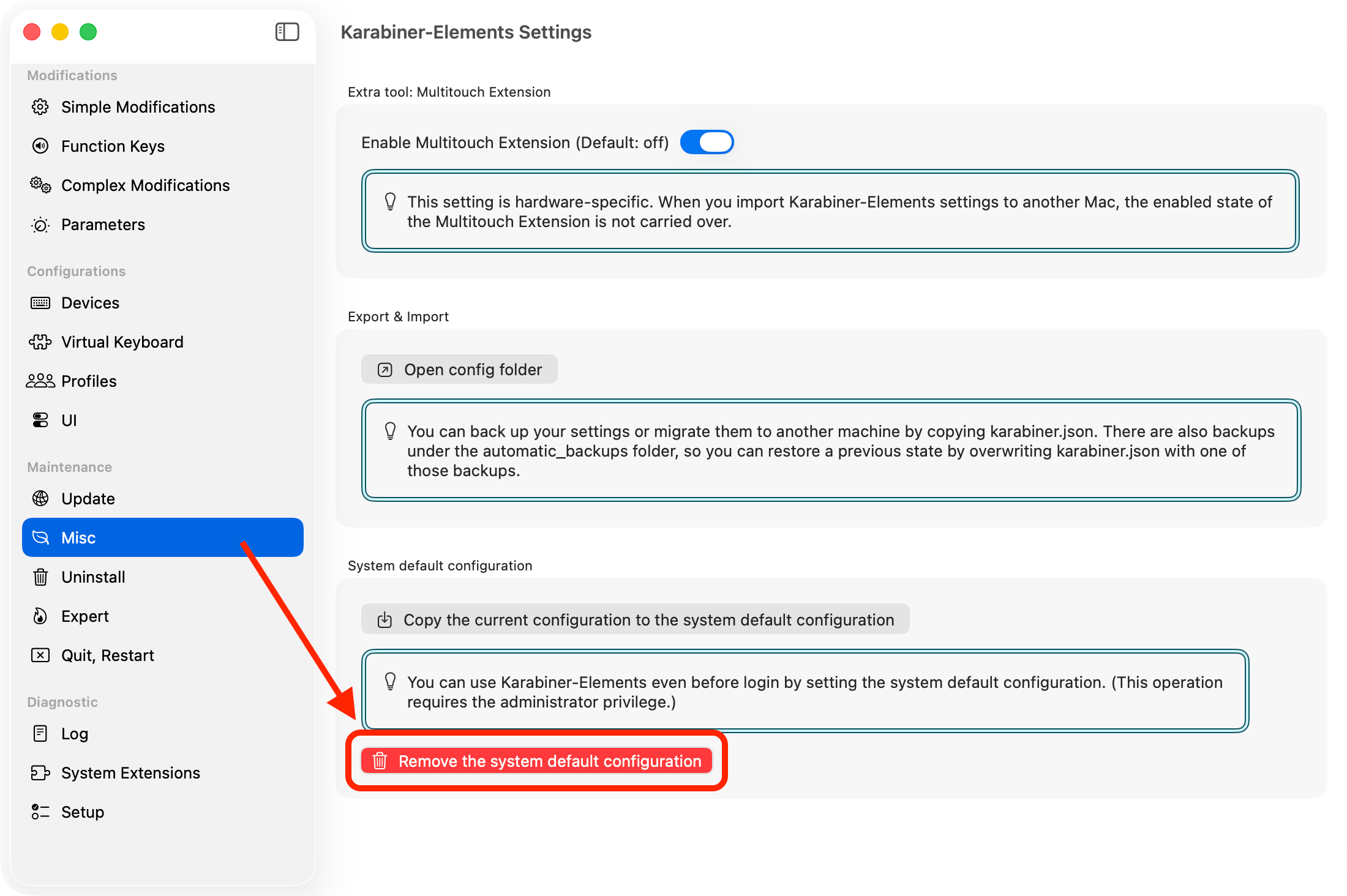
How to use Karabiner-Elements on the password entry screen before logging in
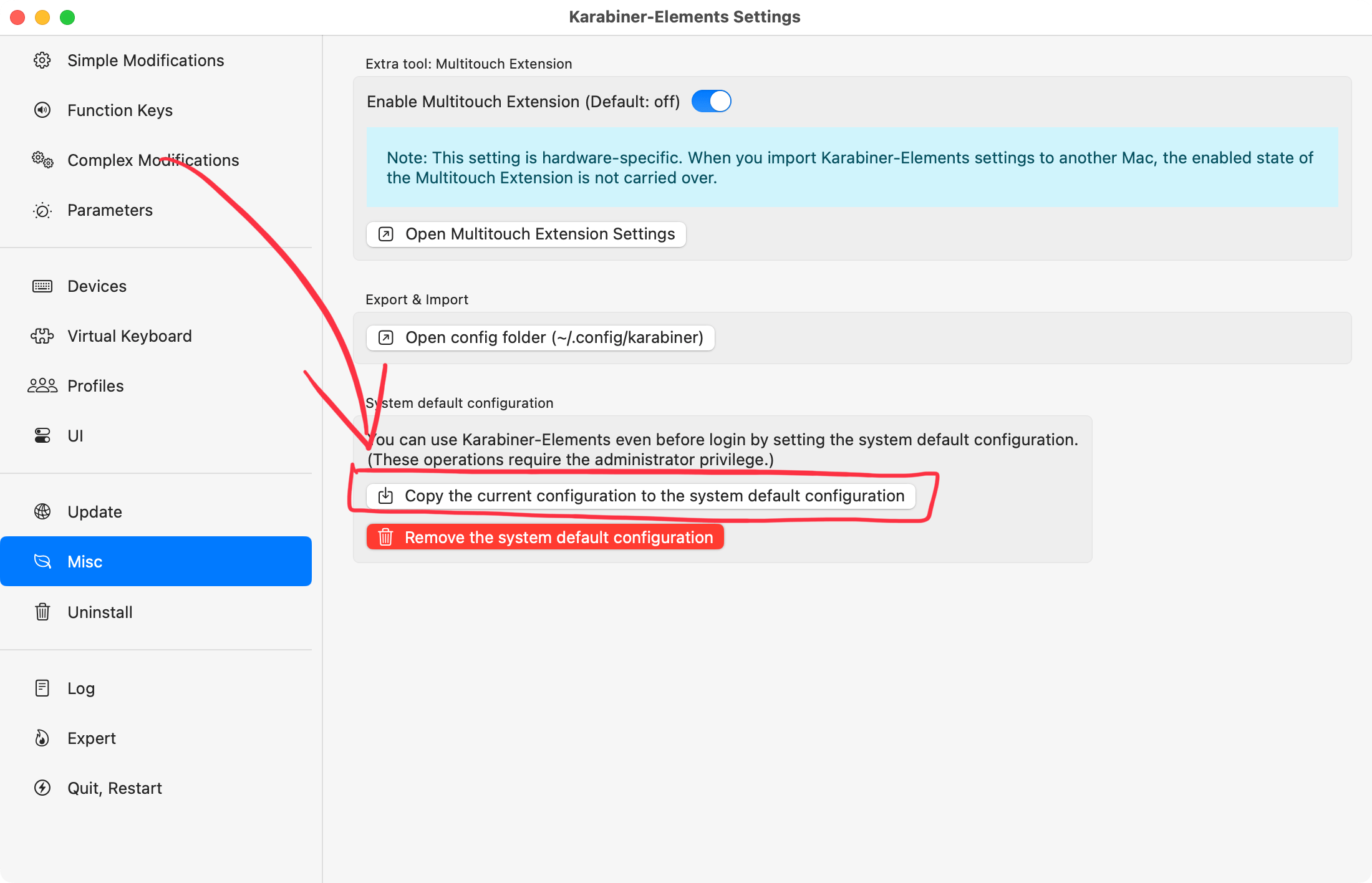
To use Karabiner-Elements settings on the password entry screen before login, click Copy the current configuration to the system default configuration in the Misc tab of the Settings screen.
The copied configuration will be applied before any user logs in.
This configuration also becomes the default for users who have not set up Karabiner-Elements, such as guest users.
Caution
If multiple people use your Mac, enabling this feature may cause confusion due to unexpected keyboard behavior. Be sure to inform other users before turning it on.
How to remove the copied system default configuration
After copying the configuration, you can remove the system default configuration from the same screen.